


Trusted by Leading Pathologists, from Startup to Enterprise









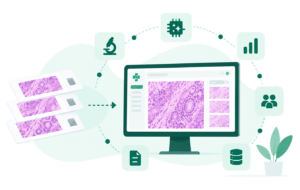
Path Assist™ Capabilities at a Glance
AI Model Orchestration
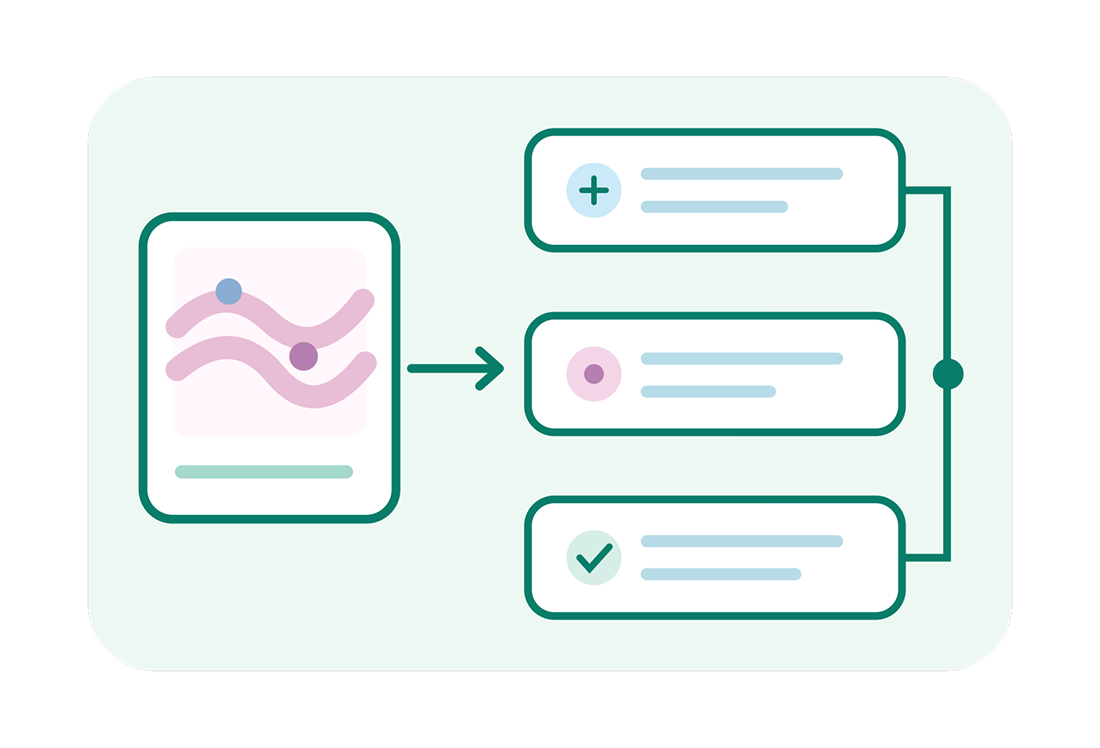
- Allows Users to select the appropriate AI model based on the organ, stain, biomarker, and analysis requirement.
- Runs multiple AI algorithms in the same case.
- Integrates proprietary, third-party, and research AI models into one workflow.
- Manages model versions, configurations, and deployment across laboratories.

WSI & ROI Analysis
- Analyzes complete Whole Slide Images or selected Regions of Interest.
- Identifies and recommends relevant regions for AI analysis.
- Processes multiple ROIs simultaneously for comprehensive slide assessment.
- Allows pathologists to define and modify regions before analysis.
Cell & Tissue Intelligence
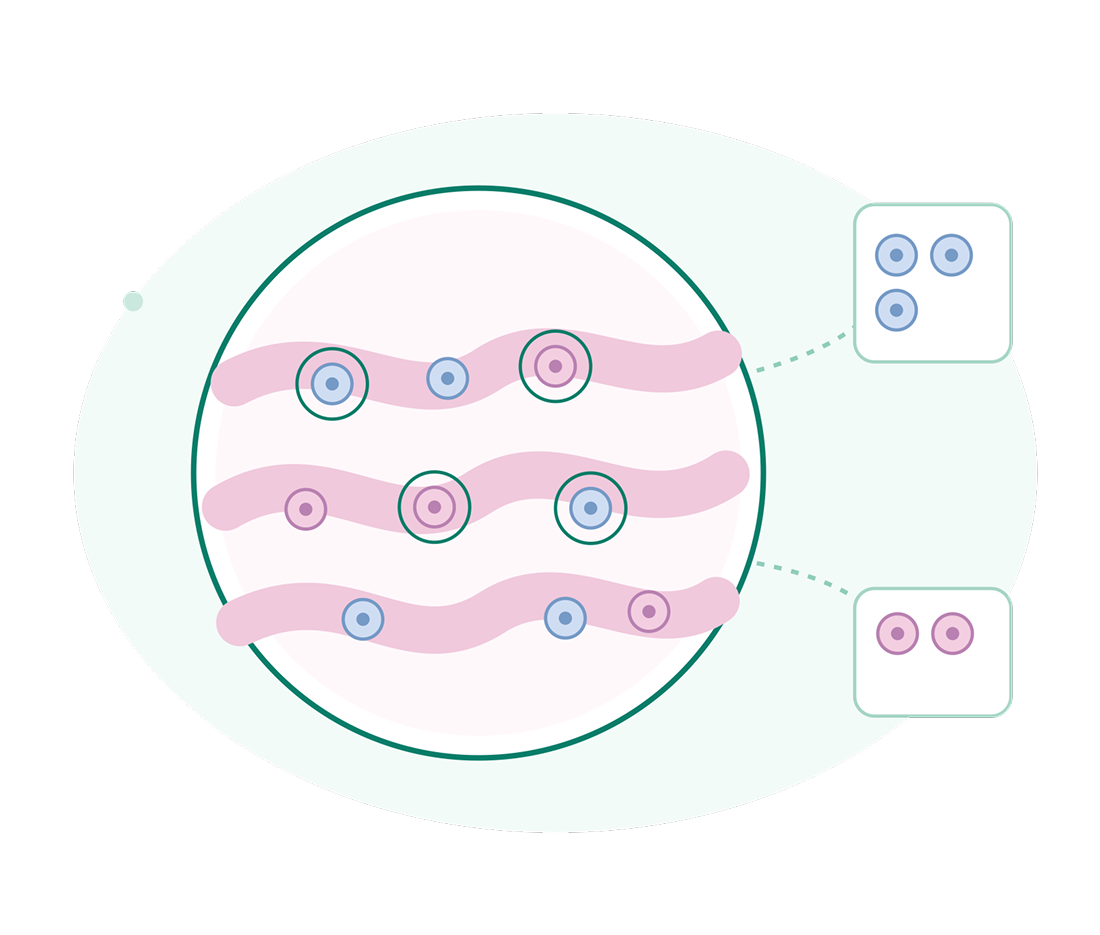
- Classifies tumor, immune, stromal, and other relevant cell populations.
- Segments tumor, tissue compartments, nuclei, and pathological regions.
- Measures cellular density, distribution, morphology, and other quantitative features.
- Highlights detected cells and tissue regions directly on the digital slide.
Biomarker Quantification
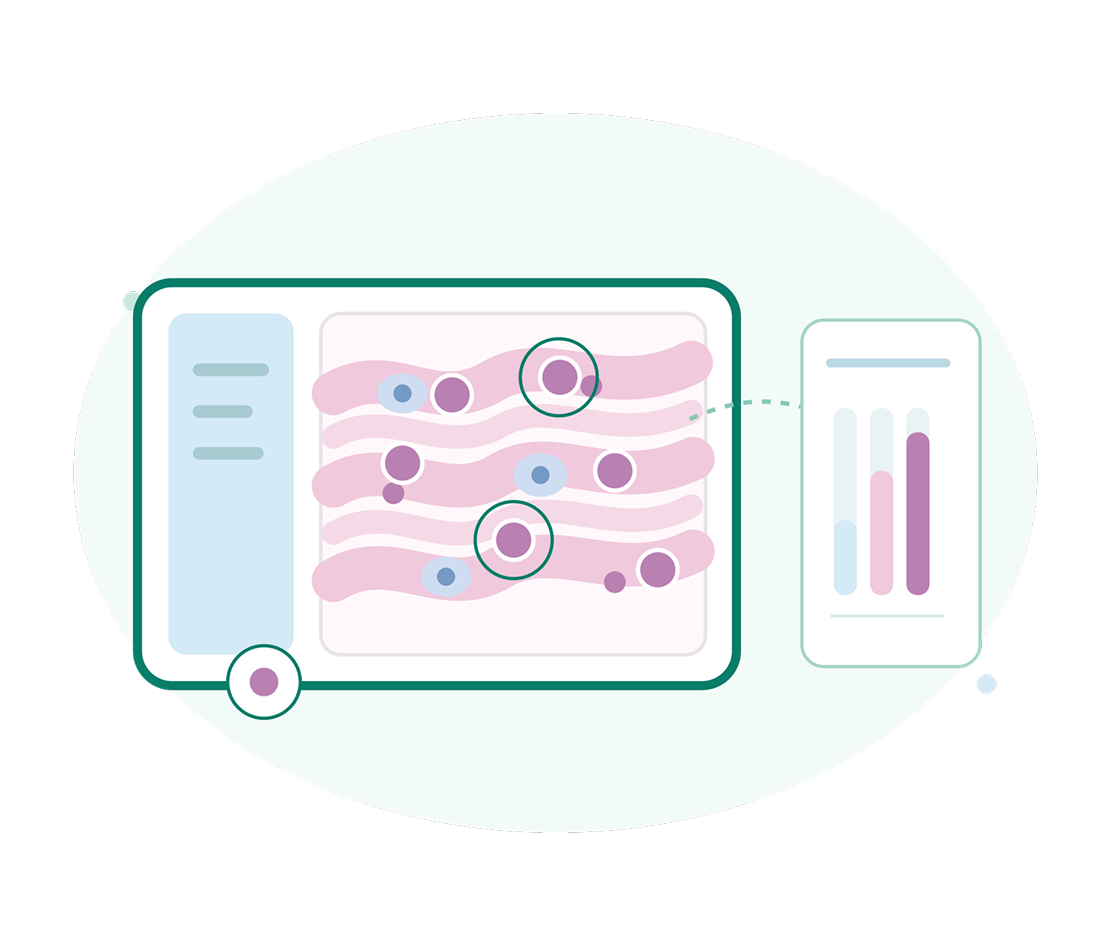
- Measures positive cell percentage and staining intensity objectively.
- Calculates standardized scores such as Allred, H-score, TPS, and proliferation index.
- Supports biomarkers including ER, PR, HER2, Ki-67, and PD-L1.
- Delivers consistent and reproducible measurements across slides and analysis runs.
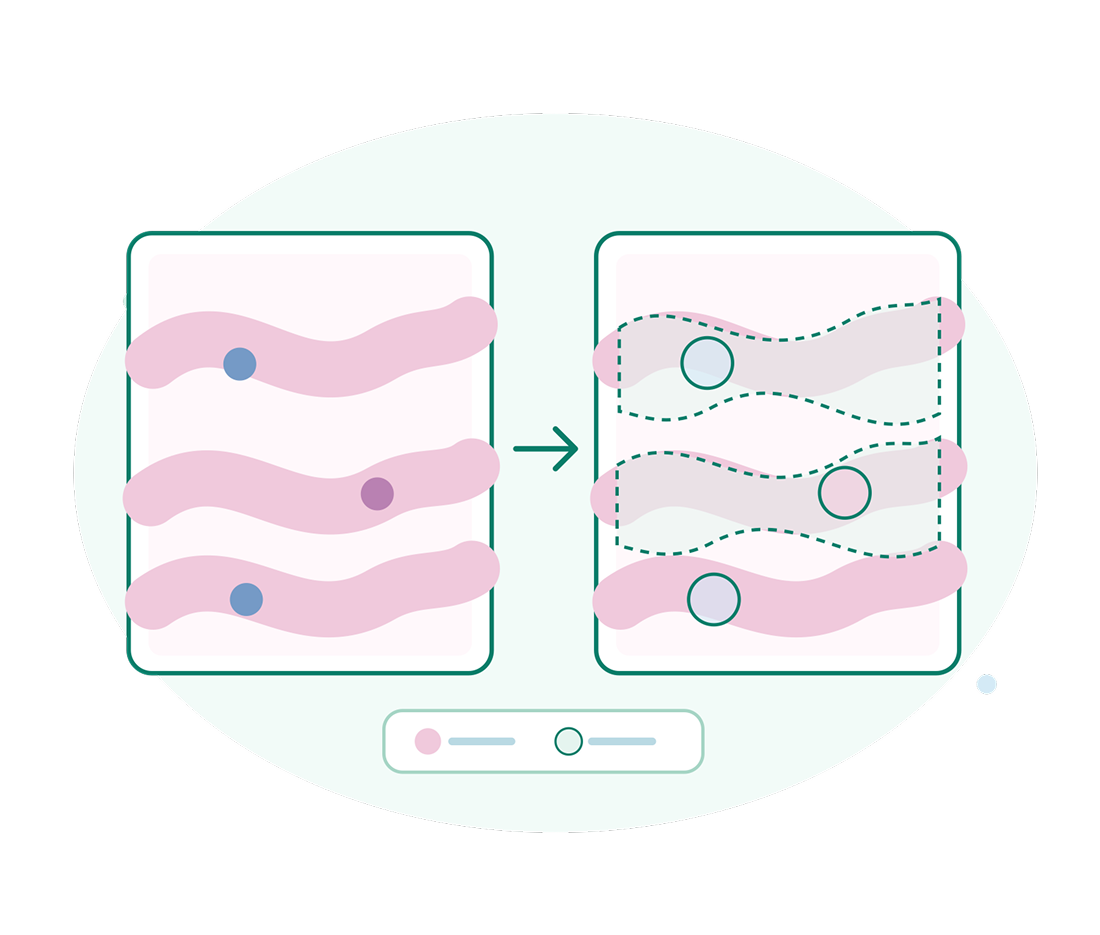
Interactive AI Visualization
- Displays AI-generated detections and classifications directly on the digital slide.
- Highlights positive cells, tumor regions, hotspots, and staining patterns.
- Generates heatmaps and spatial maps to visualize quantitative findings.
- Enables users to inspect individual AI detections and review the underlying findings.
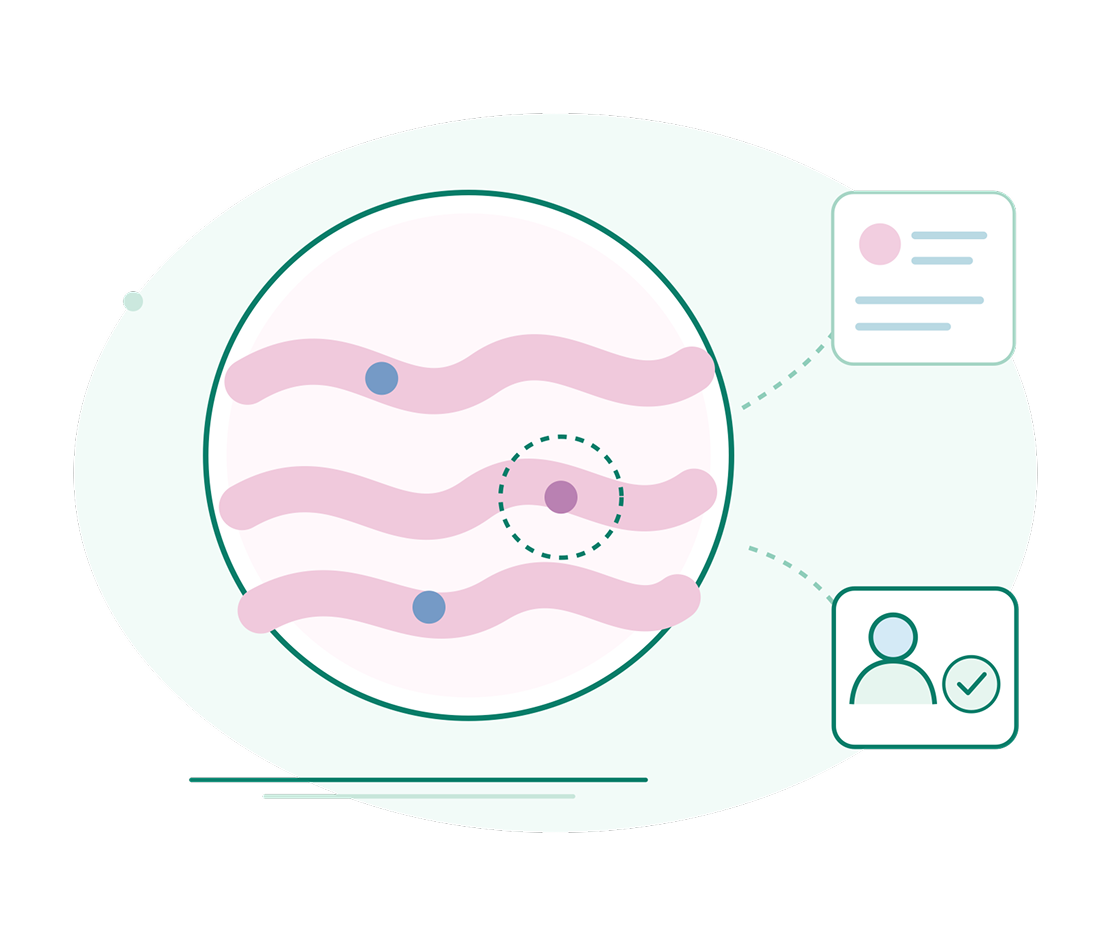
Pathologist-in-the-Loop Review
- Allows pathologists to accept, modify, or reject AI-generated findings.
- Enables users to correct missed detections and false-positive classifications.
- Lets pathologists add, remove, or modify regions selected for analysis.
- Keeps the pathologist in control of the final interpretation and diagnosis.
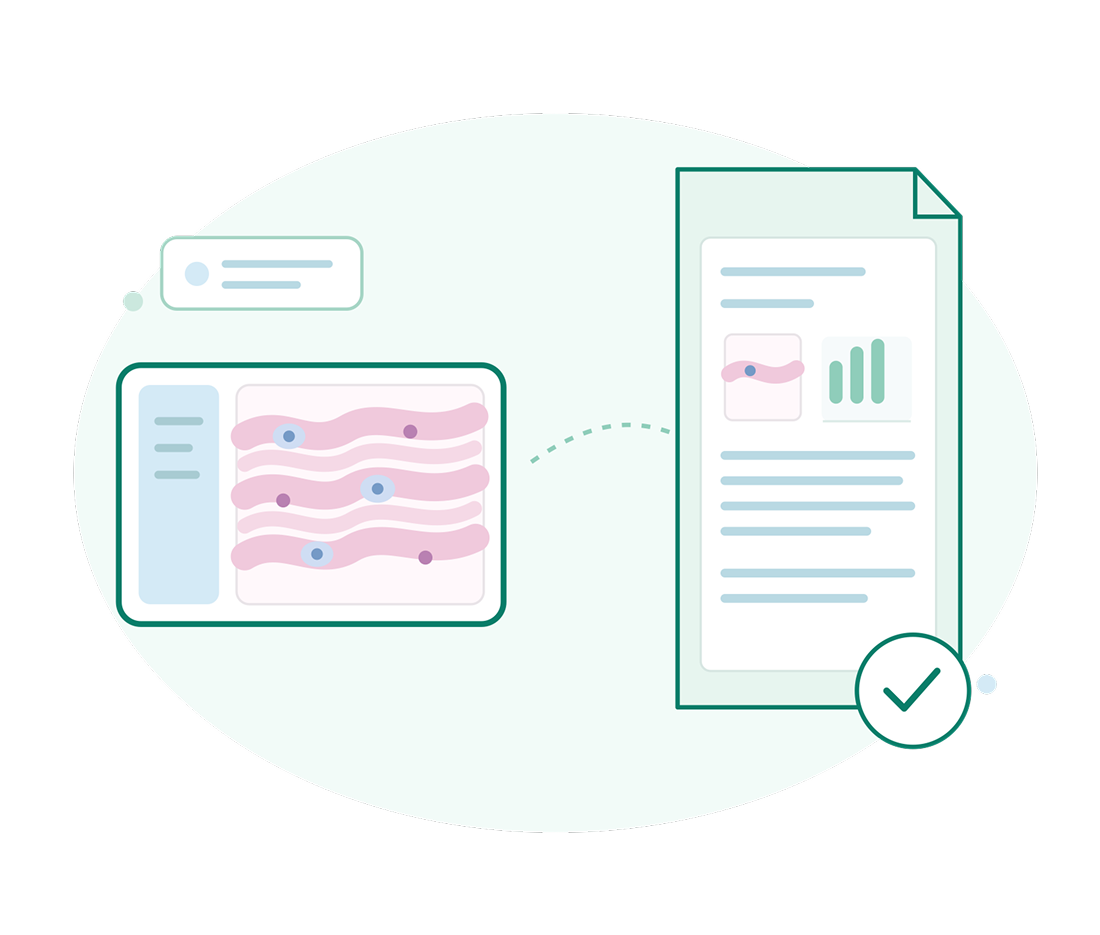
AI-Assisted Reporting & Case Insights
- Generates structured summaries from completed AI analyses.
- Allows comparison AI findings across slides, biomarkers, ROIs, and previous analyses.
- Flags significant variations, low-confidence findings, and potential areas for review.
- Helps pathologists incorporate quantitative AI evidence into the final report.

AI Validation, Governance & Traceability
- Validates AI performance against expert-annotated and ground-truth cases.
- Calibrates models using representative laboratory data before clinical deployment.
- Records the model, version, ROI, parameters, and timestamp for every analysis.
- Tracks pathologist reviews, corrections, overrides, and final approvals.
AI Algorithms to augment WSI analysis
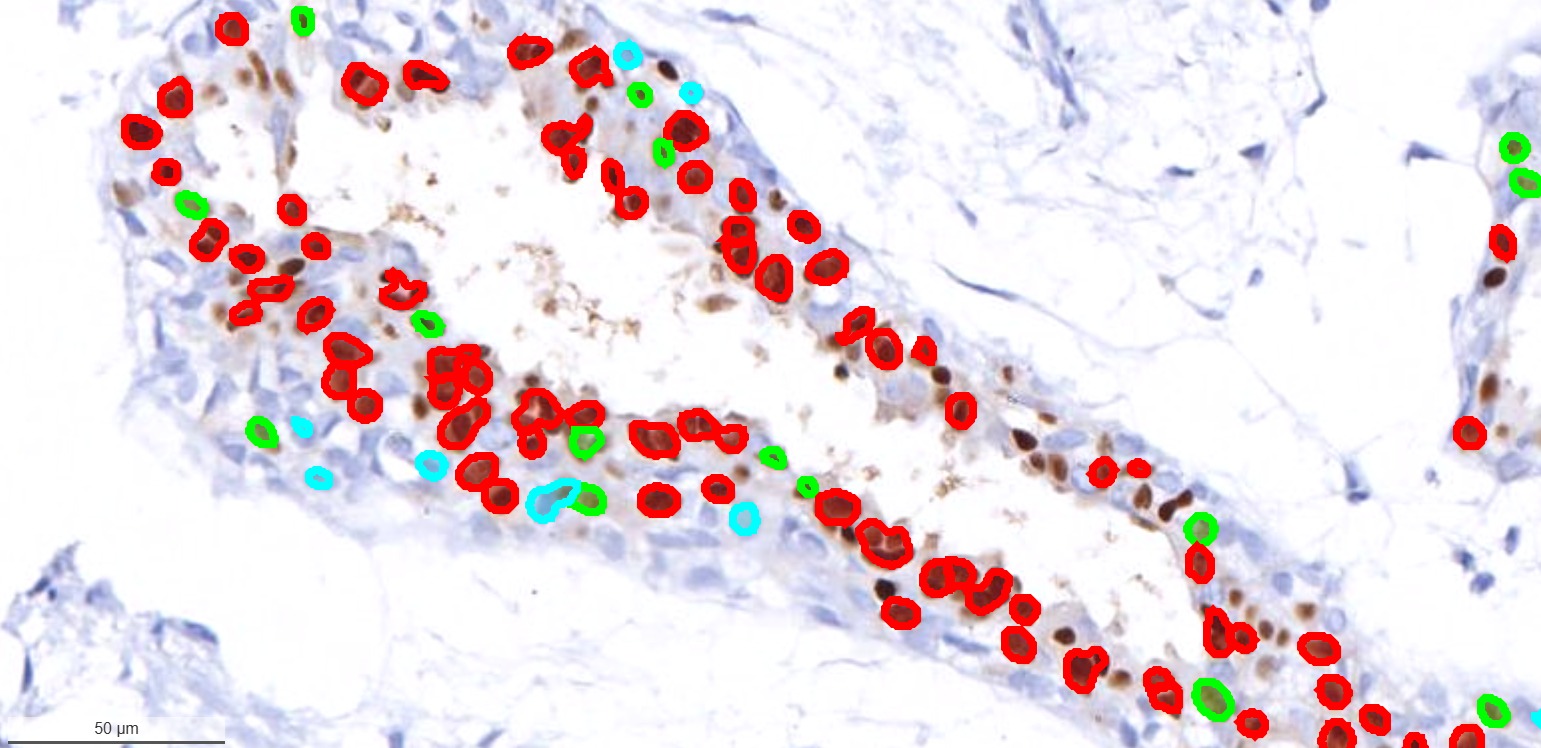
Onward® Breast Cancer PR
Estrogen receptor/progesterone receptor (ER/PR) tests are used to help guide breast cancer treatment. Receptors are proteins that attach to certain substances. ER/PR AI tests look for receptors that attach to the hormone estrogen and progesterone in a sample of breast cancer tissue.

Onward® Breast Cancer HER2
The AI tool is used to identify the human epidermal growth factor receptor 2 (HER2) in a biopsy slide which is an established biomarker for the management of patients with breast cancer.
Onward® Breast Cancer KI67
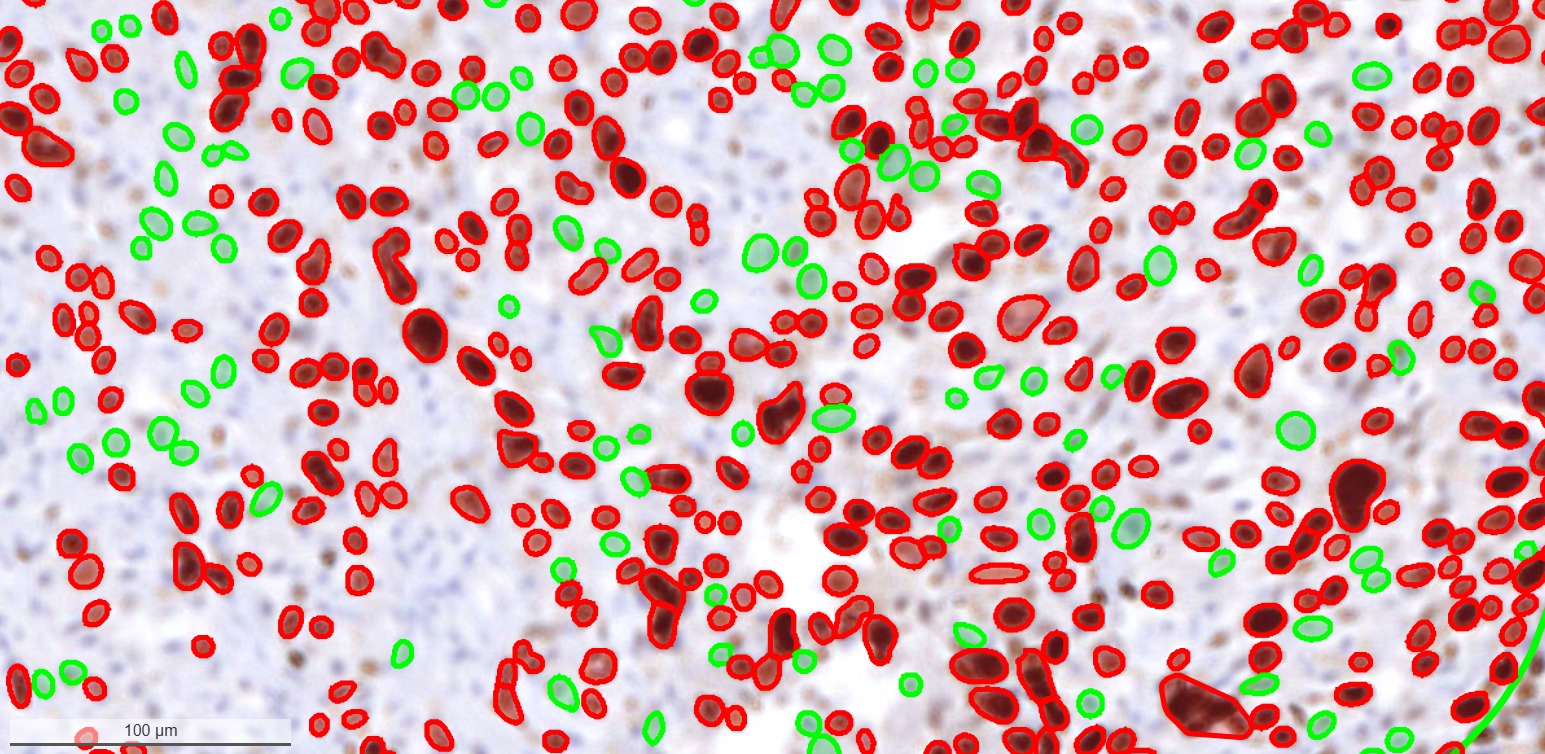
The KI67 AI tool is to identify the Ki67 biomarker in a biopsy which is basically used as a proliferation marker and is associated with tumor cell proliferation and growth.The Ki67 AI tool is to identify the Ki67 biomarker in a biopsy which is basically used as a proliferation marker and is associated with tumor cell proliferation and growth.
Backed by enterprise-grade security
SOC-II
We adhere to SOC-II security standards
GDPR
Go to market anywhere in the world — let us handle compliance with local laws.
CCPA
Support your customer base with opt out and DNC support.
ISO 27001
Securely connect your CRM and other systems.
Enterprise Foundation & Governance
A secure, interoperable, and fully customizable foundation—built to adapt to your brand, support every image format, and ensure total compliance.

Custom Branding and White labelling
Tailor the platform to your organization with custom logos, themes, domain names, and branded interfaces. Deliver a consistent digital pathology experience that reflects your identity while maintaining the platform’s powerful capabilities, intuitive workflows, and seamless user experience across teams and locations.

Auditable & Traceable
Maintain complete visibility across every workflow with detailed audit trails, user activity tracking, timestamps, and change histories. Trace actions from case creation through review and reporting, supporting transparency, accountability, quality assurance, and efficient governance across your digital pathology operations.
Multiple Image Format Support
Work seamlessly with diverse digital pathology image formats from different scanners and imaging systems. Access, view, and manage whole-slide images through a unified viewer, reducing interoperability challenges and enabling consistent workflows across laboratories, institutions, diagnostic centers, research teams, and collaborative environments.

Compliance Assured
Build secure and governed digital pathology workflows with controls designed to support data protection, privacy, access management, auditability, and regulatory requirements. Protect sensitive pathology data while maintaining traceability and operational oversight across clinical, research, academic, and enterprise environments.
TestimonialsWhat our customers say about us
“Since implementing this telepathology software solution provided by Onward, we have been able to report 99% of our cases remotely. The platform’s remote viewing capabilities and seamless communication with spoke centers have enhanced our telepathology workflow. We’ve reduced our turnaround time from 7-10 days to just 24 hours for providing second opinions on cases from peripheral spoke centers. This efficiency not only accelerates patient care but also supports timely, accurate diagnoses, demonstrating the transformative impact of this technology on our diagnostic processes.”

“We used the Slide Scholar software platform at our Hospital – Homi Bhabha Cancer Hospital and Research Centre (Tata Memorial Center) Mullanpur.
And we are happy with the functioning and features of Slide Scholar platform. We recently used the platform for our conference, in which we had hosted our clinical whole slide images and we were able to organize the slide according to our seminar topics such as Thyroid, Cytopathology, etc. We were then able to share this with our conference participants in a secure manner.
The faculty found it user-friendly to use the platform, the viewer for conduct of their lecture sessions.”

“Slide Scholar is a user friendly, simple and effective tool for classes, conferences and MDTs.”