


Trusted by Leading Pathologists, from Startup to Enterprise









Slide Scholar™ Capabilities at a Glance
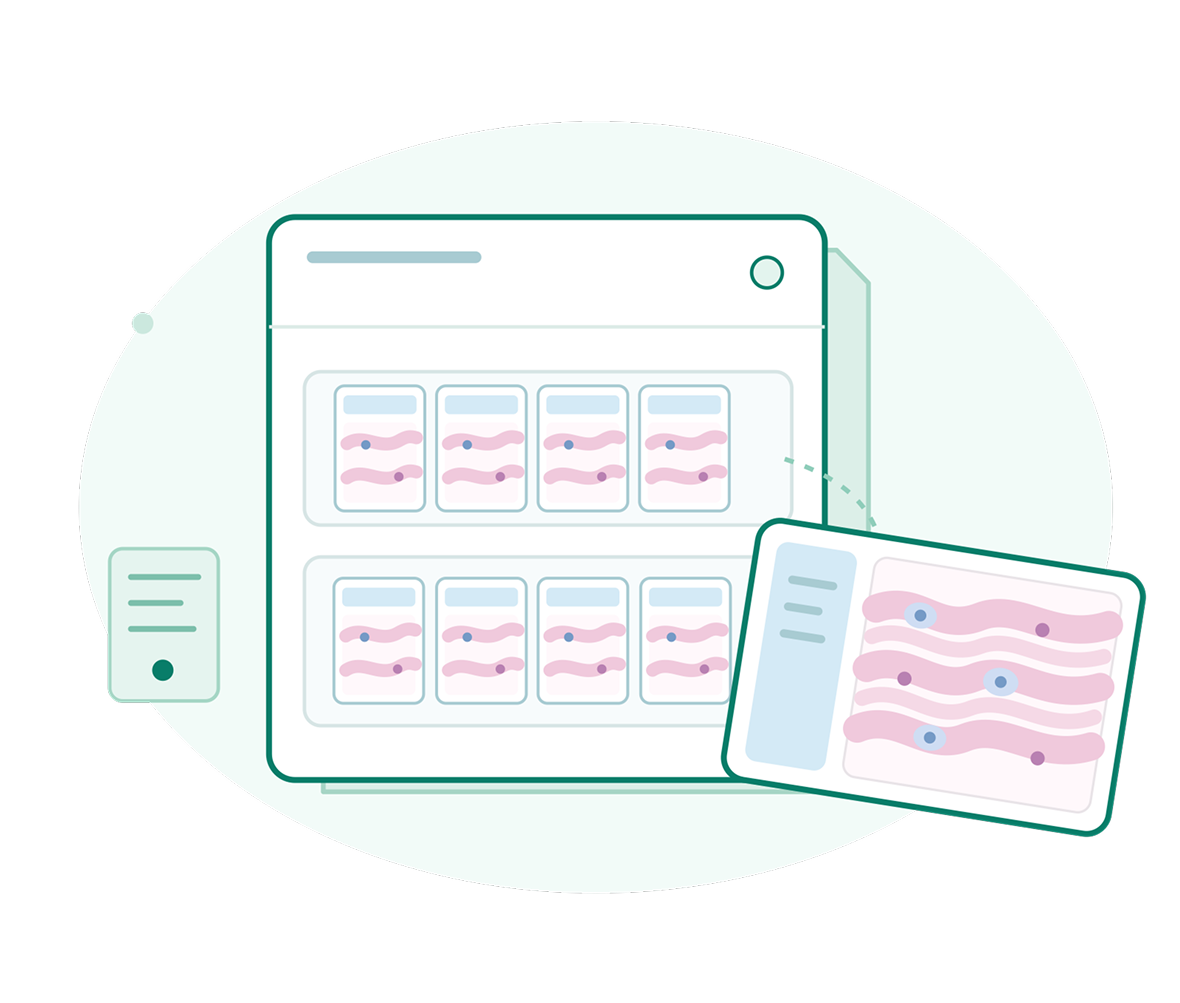
Digital Slide Libraries
- Create personal and organization-level workspaces to organize digital pathology content.
- Store and manage comprehensive collections of histology, pathology, cytology, and specialty slides.
- Explore slides using a full-featured viewer with zoom, pan, navigation, annotations, and measurements.
- Organize slides using courses, cases, subjects, diagnoses, tags, and custom metadata.
- Share and manage slide collections securely across students, faculty, departments, and institutions.
Training Tools
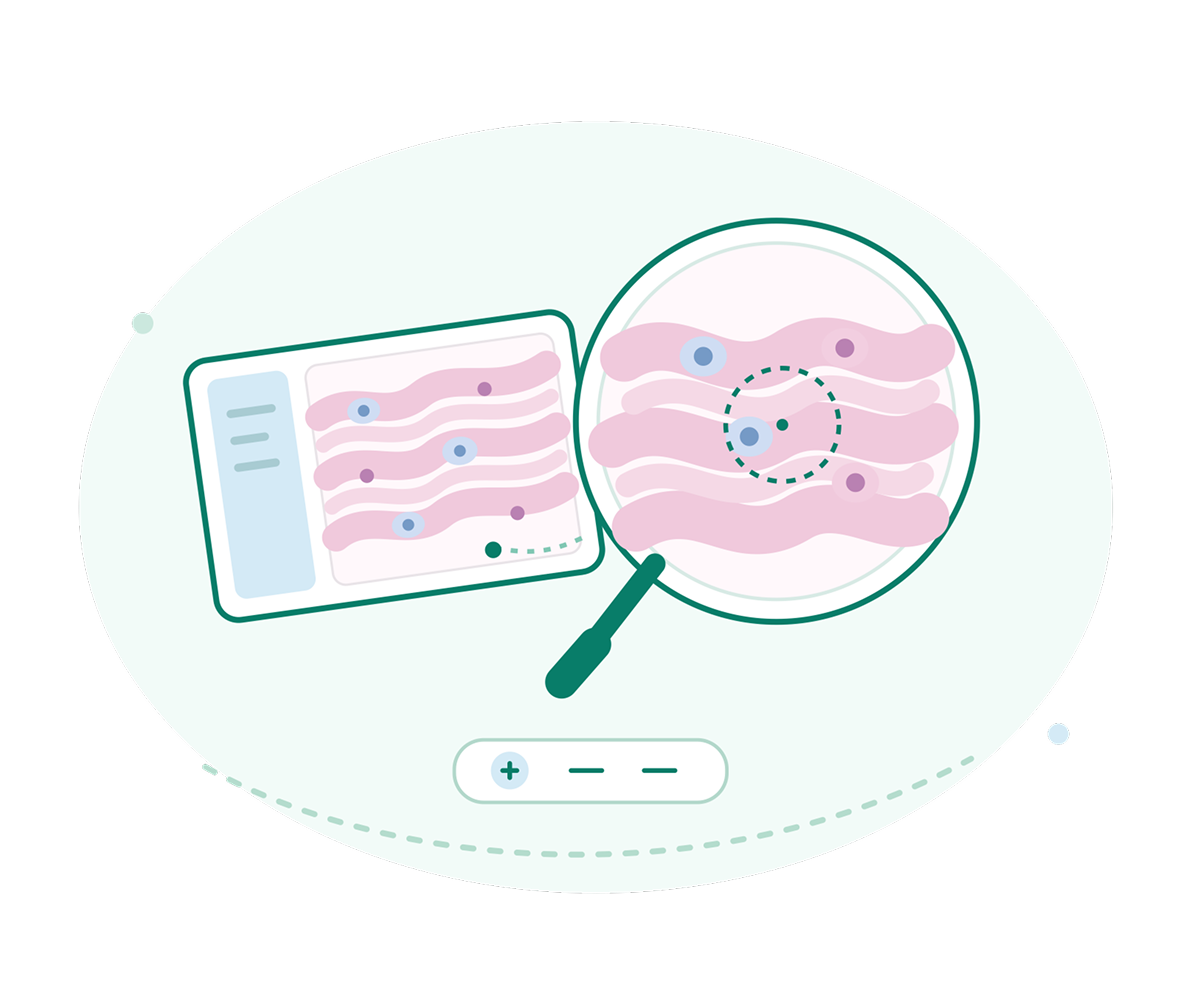
- Enable students to practice virtual microscopy using high-resolution digital slides.
- Create guided learning modules with slides, annotations, videos, explanations, and learning objectives.
- Highlight important tissue structures, cellular features, and pathological findings using interactive annotations.
- Build case-based learning experiences using clinical history, investigations, images, and diagnostic challenges.
- Allow learners to practice independently and track their learning progress.
Assessment Tools
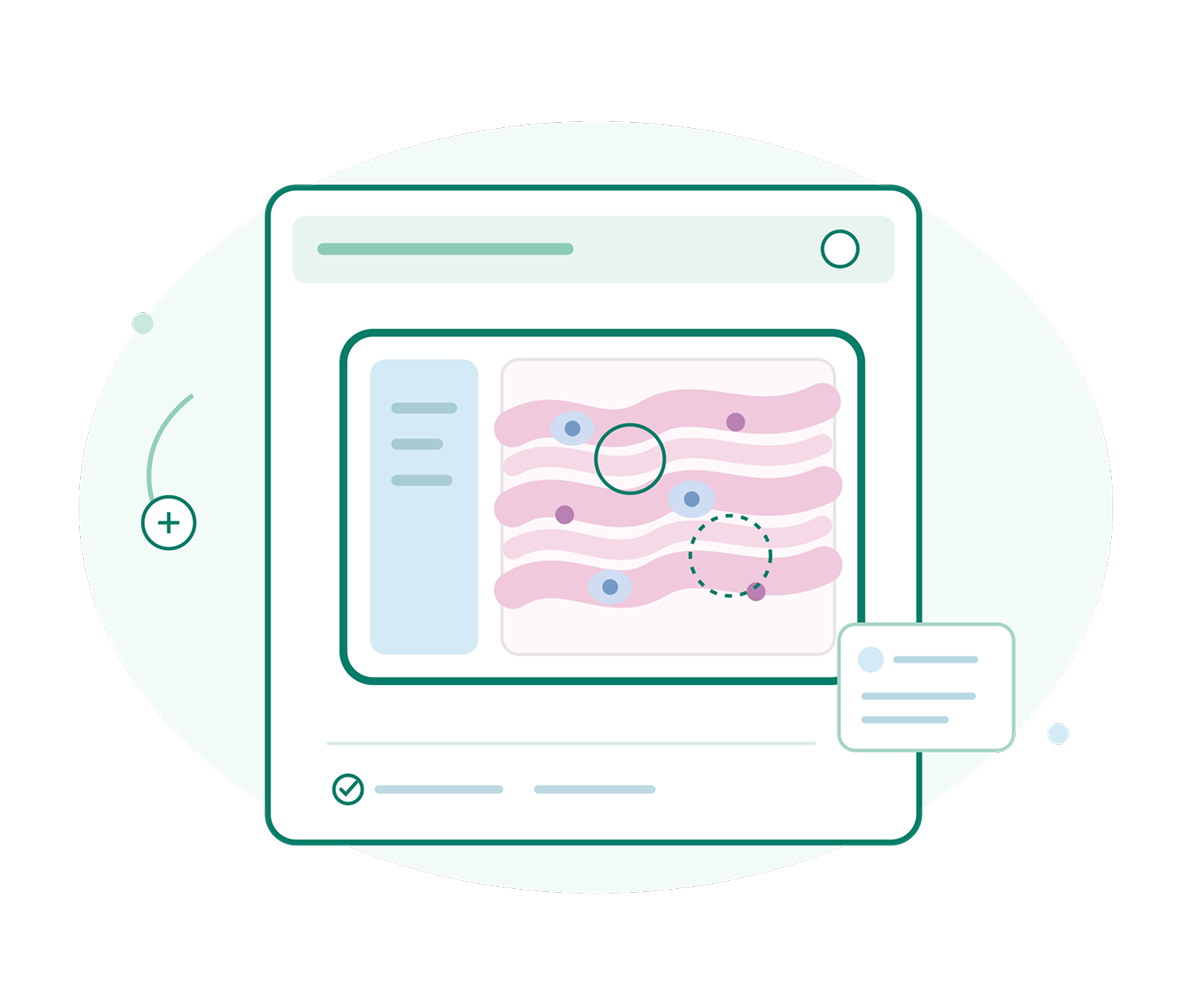
- Create slide-based assessments using digital images, clinical cases, and diagnostic questions.
- Support MCQs, image identification, short answers, matching, and other question formats.
- Automatically evaluate objective questions and generate assessment scores.
- Enable faculty to create assessments aligned with courses, competencies, and learning objectives.
- Track individual and group performance to identify learning gaps and improvement areas.
Remote Collaboration
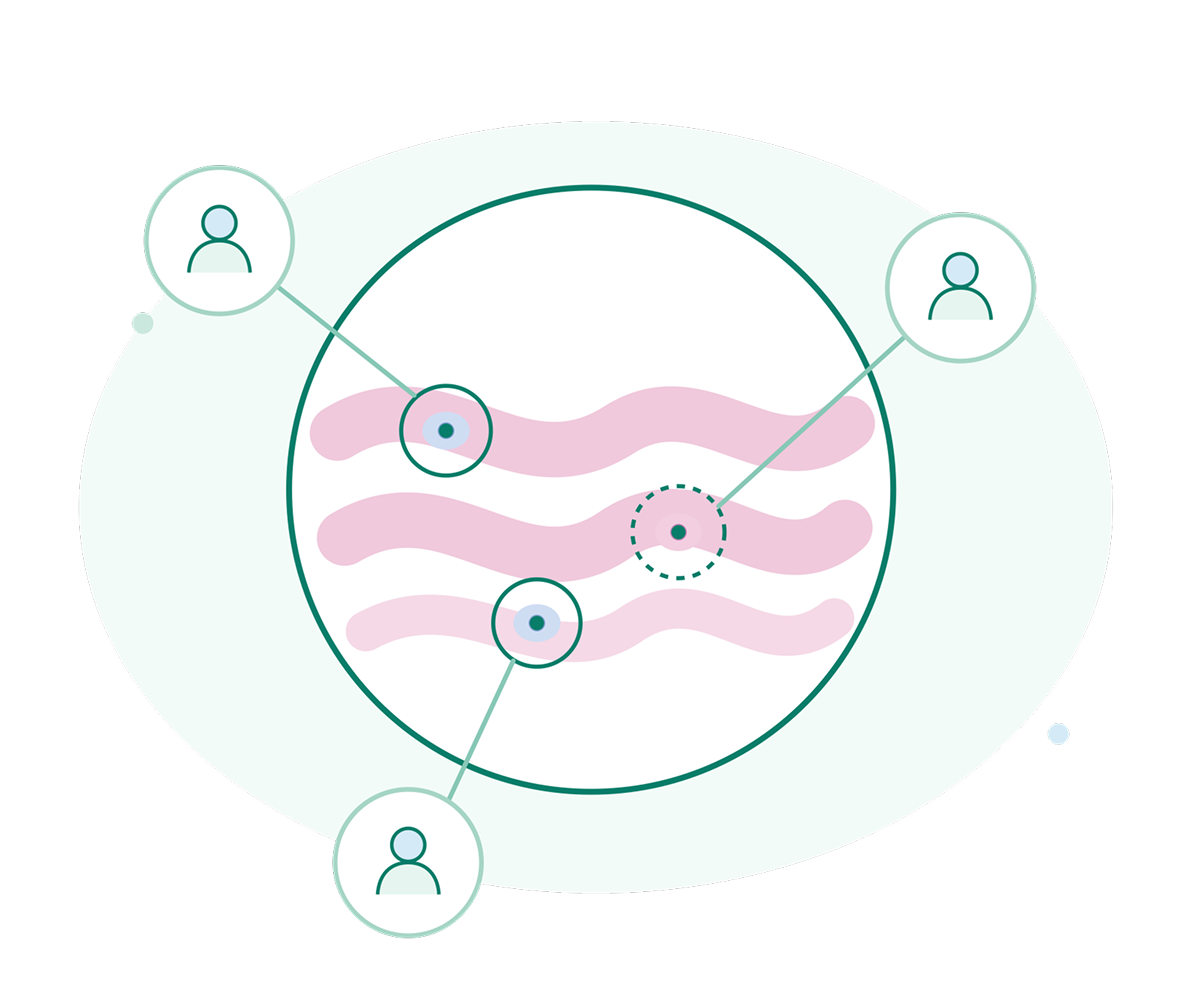
- Share digital slides with students, faculty, peers, and experts for collaborative learning.
- Conduct real-time slide discussions using shared views and interactive annotations.
- Deliver virtual practical sessions, microscopy demonstrations, and case discussions remotely.
- Enable students to seek expert opinions and receive feedback on challenging cases.
- Support contextual discussions through comments, observations, and slide-specific feedback.
AI-Assisted Analysis
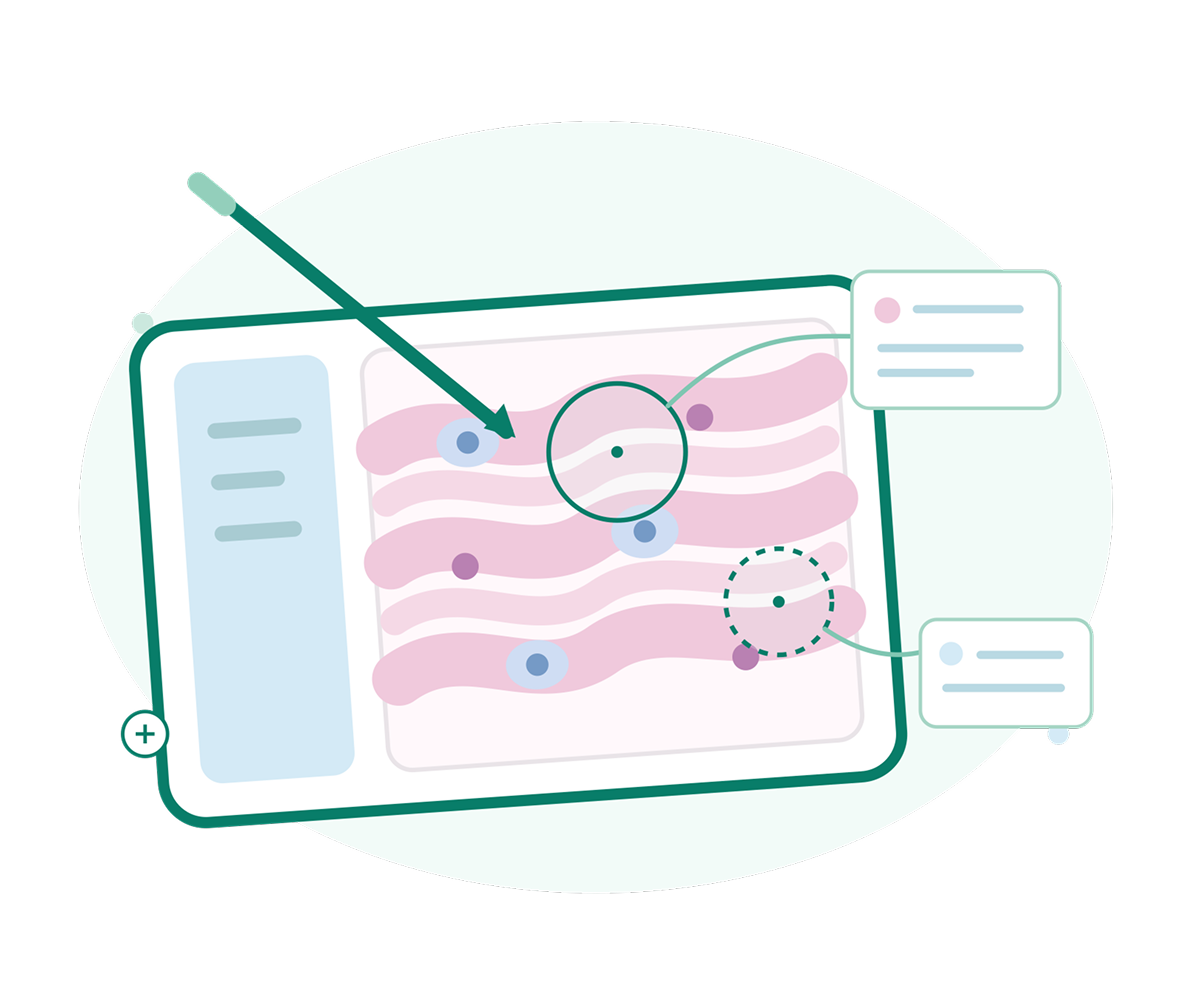
- Use AI to assist learners in identifying relevant structures and regions of interest on digital slides.
- Highlight potential cellular, tissue, and pathological features for educational exploration.
- Provide AI-assisted insights and learning prompts during case-based learning.
- Answer learner questions and explain concepts related to slide findings.
- Use AI as an educational assistant that complements faculty-led teaching and expert interpretation.
Third-Party Integration
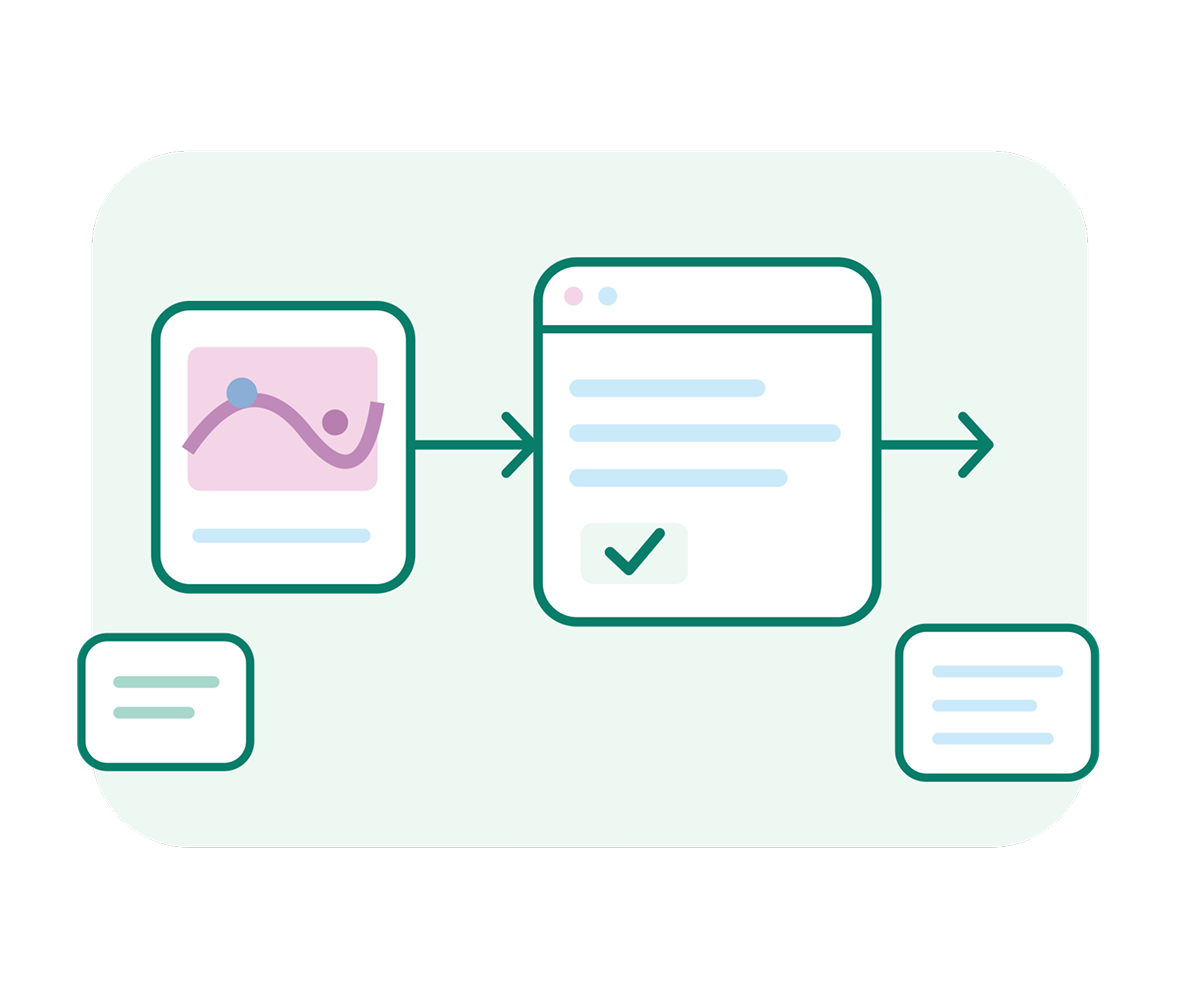
- Integrate Slidescholar with existing Learning Management Systems and educational platforms.
- Enable Single Sign-On for seamless and secure user authentication.
- Exchange learner, course, assessment, and completion data with connected platforms.
- Connect digital pathology content with existing institutional curricula and learning programs.
- Use APIs to connect with academic, healthcare, laboratory, and other educational technology systems.
Role-Based User Access
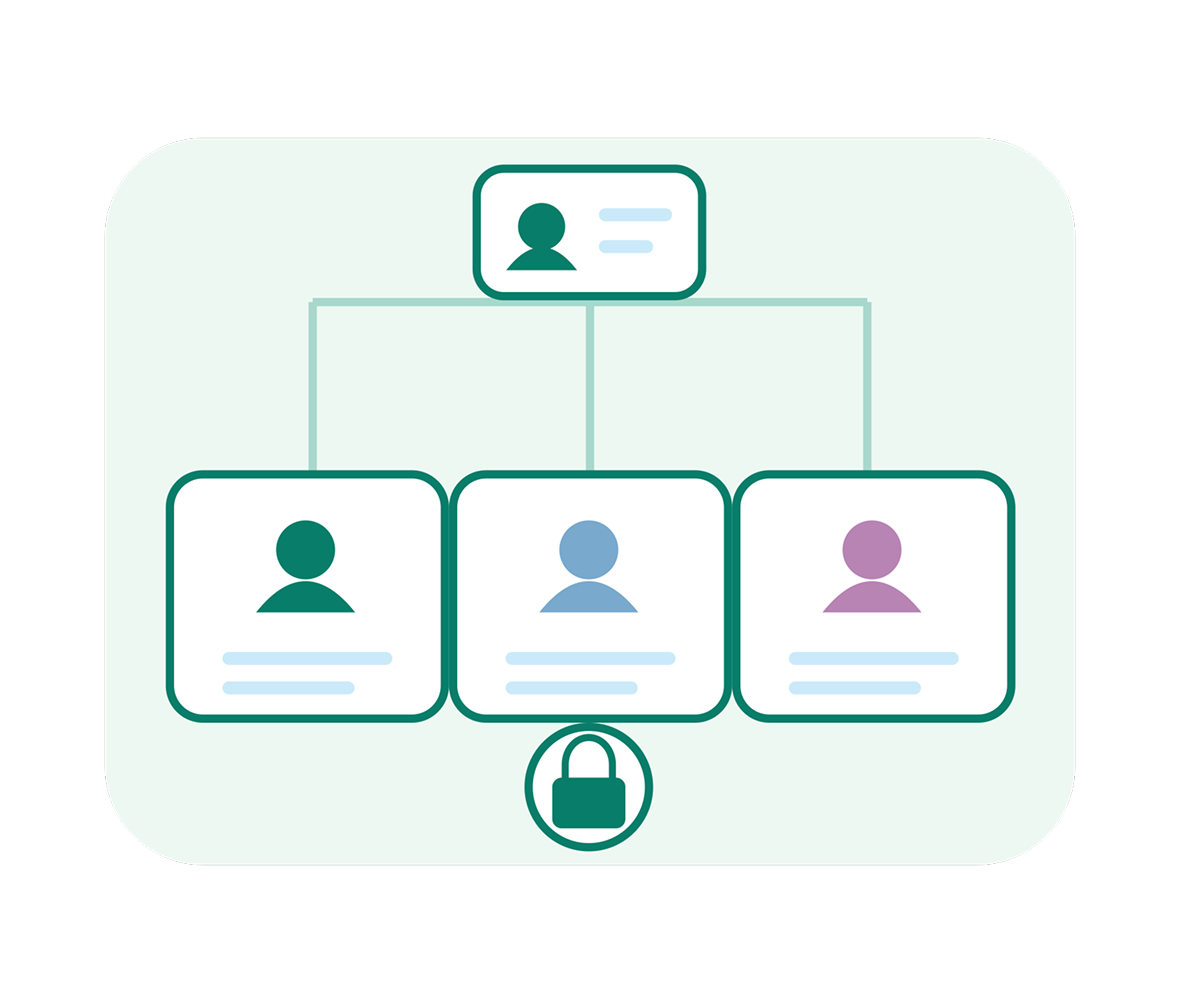
- Enable faculty to create courses, upload slides, develop cases, conduct assessments, and monitor learner progress.
- Enable students to access assigned content, explore slides, participate in training, and complete assessments.
- Give administrators control over users, workspaces, content, permissions, and platform settings.
- Assign permissions based on roles, departments, courses, and organizational requirements.
- Provide secure access to slides, cases, assessments, analytics, and collaboration features based on user responsibilities.
A Unified & Adaptable Ecosystem
A secure, interoperable, and fully customizable foundation—built to adapt to your brand, support every image format, and ensure total compliance.

Custom Branding and White labelling
Tailor the platform to your organization with custom logos, themes, domain names, and branded interfaces. Deliver a consistent digital pathology experience that reflects your identity while maintaining the platform’s powerful capabilities, intuitive workflows, and seamless user experience across teams and locations.

Auditable & Traceable
Maintain complete visibility across every workflow with detailed audit trails, user activity tracking, timestamps, and change histories. Trace actions from case creation through review and reporting, supporting transparency, accountability, quality assurance, and efficient governance across your digital pathology operations.
Multiple Image Format Support
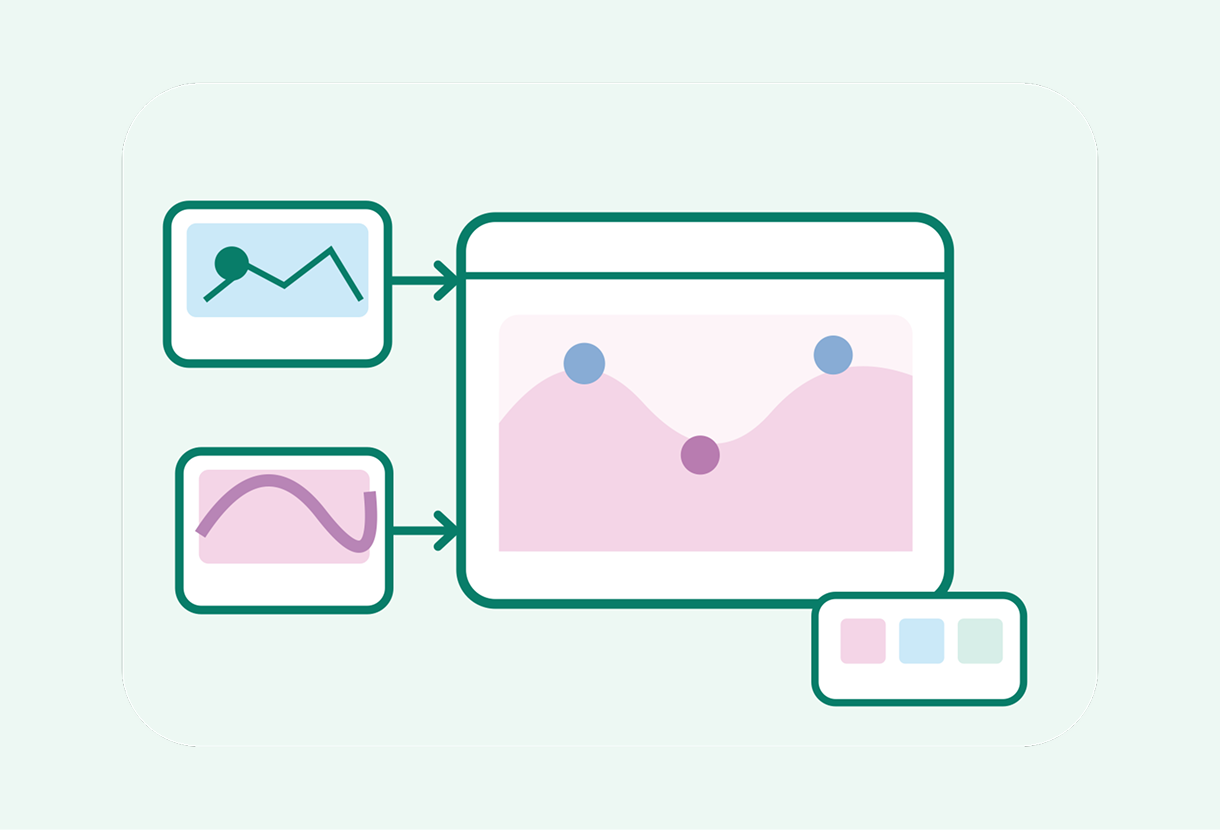
Work seamlessly with diverse digital pathology image formats from different scanners and imaging systems. Access, view, and manage whole-slide images through a unified viewer, reducing interoperability challenges and enabling consistent workflows across laboratories, institutions, diagnostic centers, research teams, and collaborative environments.

Compliance Assured
Build secure and governed digital pathology workflows with controls designed to support data protection, privacy, access management, auditability, and regulatory requirements. Protect sensitive pathology data while maintaining traceability and operational oversight across clinical, research, academic, and enterprise environments.
TestimonialsWhat our customers say about us
“Since implementing this telepathology software solution provided by Onward, we have been able to report 99% of our cases remotely. The platform’s remote viewing capabilities and seamless communication with spoke centers have enhanced our telepathology workflow. We’ve reduced our turnaround time from 7-10 days to just 24 hours for providing second opinions on cases from peripheral spoke centers. This efficiency not only accelerates patient care but also supports timely, accurate diagnoses, demonstrating the transformative impact of this technology on our diagnostic processes.”

“We used the Slide Scholar software platform at our Hospital – Homi Bhabha Cancer Hospital and Research Centre (Tata Memorial Center) Mullanpur.
And we are happy with the functioning and features of Slide Scholar platform. We recently used the platform for our conference, in which we had hosted our clinical whole slide images and we were able to organize the slide according to our seminar topics such as Thyroid, Cytopathology, etc. We were then able to share this with our conference participants in a secure manner.
The faculty found it user-friendly to use the platform, the viewer for conduct of their lecture sessions.”

“Slide Scholar is a user friendly, simple and effective tool for classes, conferences and MDTs.”